
Last updated October 30, 2026
 Wrought iron
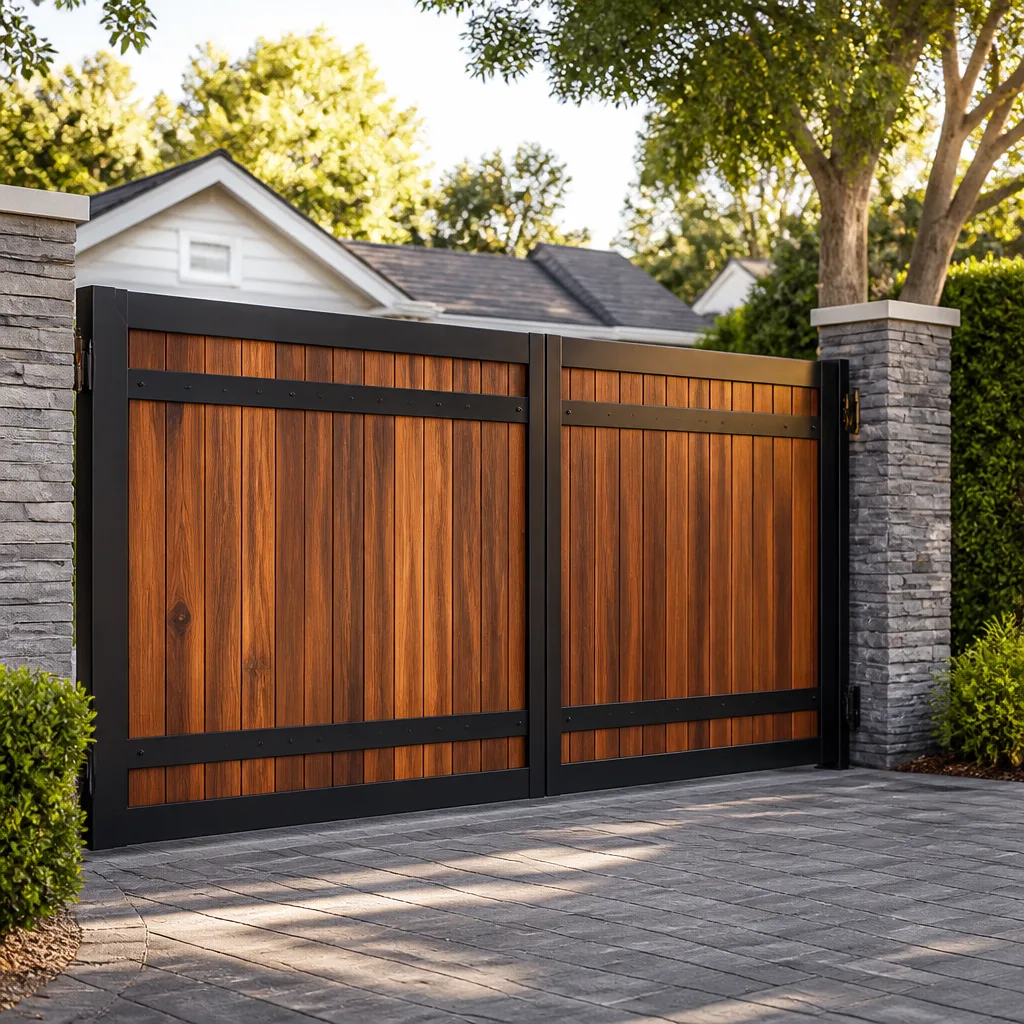 Wood & steel frame
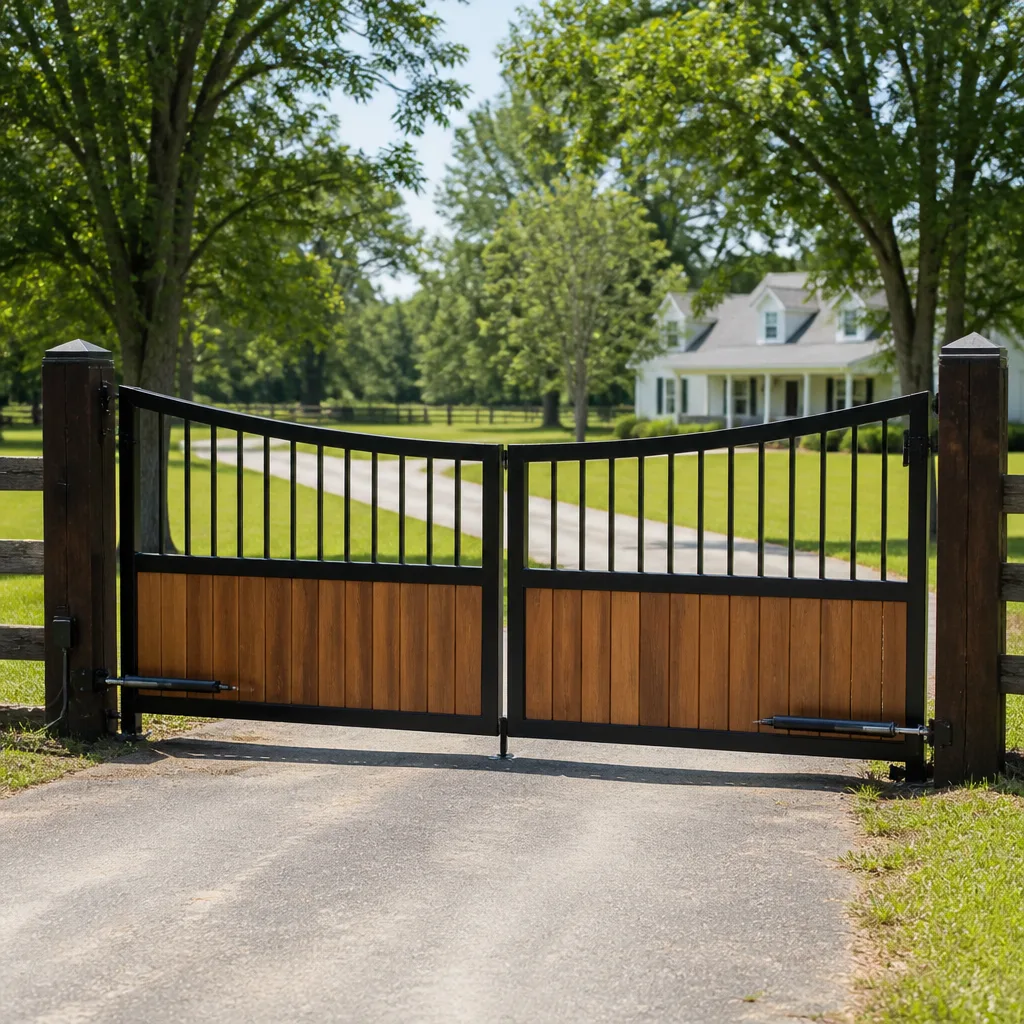 Farm & ranch
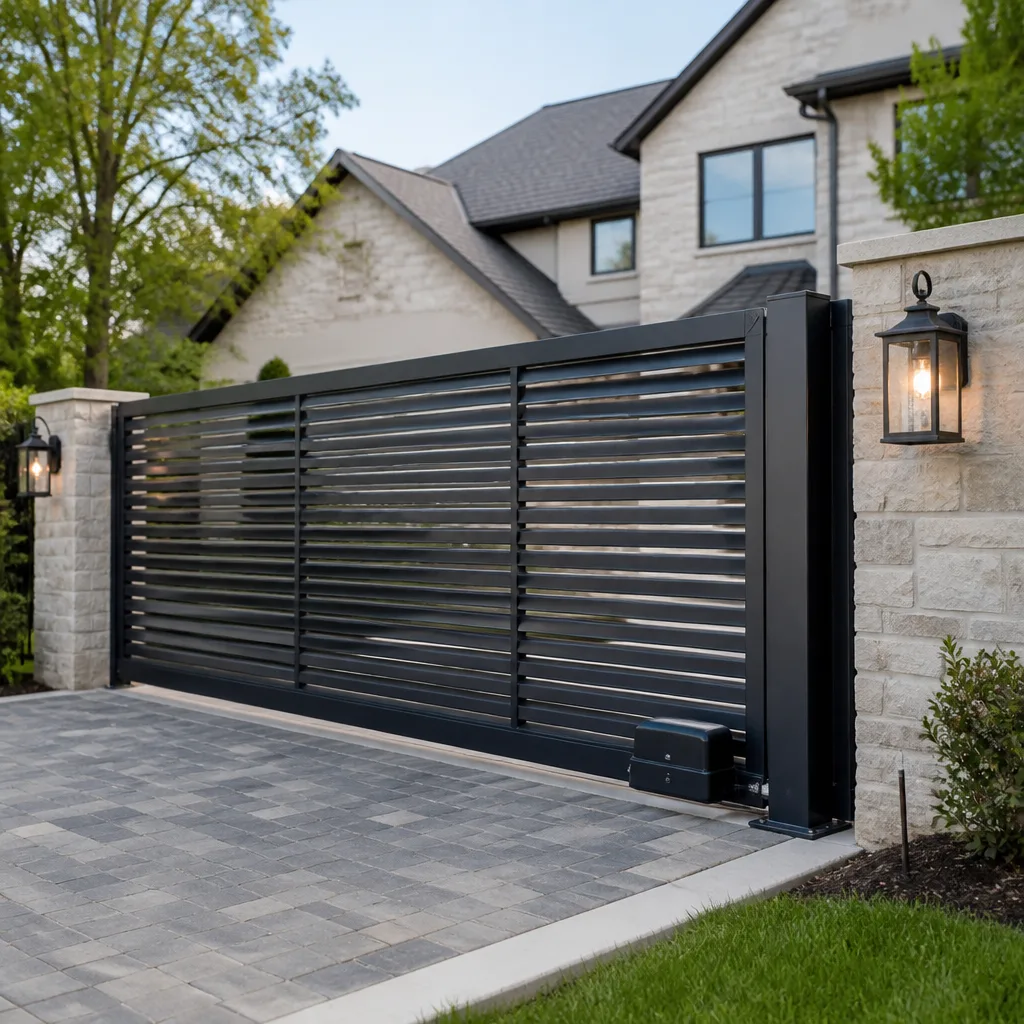 Sliding driveway gates
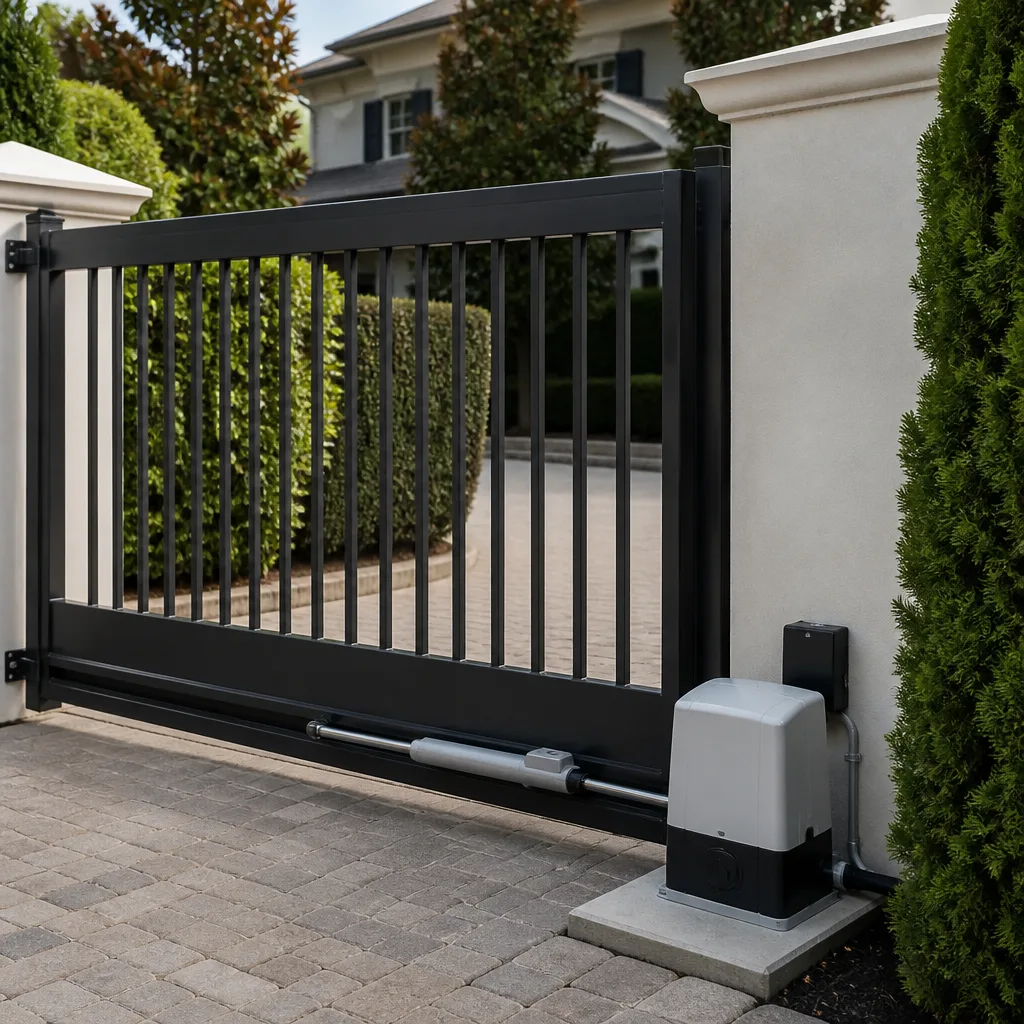 LiftMaster operators
Free on-site gate assessment - hinges, posts, and your LiftMaster or Nice gate operator checked before anything is quoted
The assessment is free and the quote is the invoice.
Get your free estimateGate Repair Troubleshooting: Common Problems and How to Fix Them
Here’s a number that surprises most homeowners in Anaheim: roughly 60% of automatic gate failures have nothing to do with the motor, the remote, or the control board. The problem is mechanical. A sagging hinge, a roller that’s worn flat, a track that’s shifted out of alignment, a wheel that’s seized. Yet almost everyone starts troubleshooting at the operator. They reset the logic board, reprogram the remote, replace batteries, and wonder why the gate still binds or stalls. This guide flips the diagnostic order. We start where the actual problems live: at the hinge, the wheel, and the physical travel path. Then we work toward the electronics. By the time you finish reading, you’ll know how to isolate a mechanical fault from an electrical one, what those blinking fault codes actually mean, and when to stop and call a specialist. In Anaheim, where gate systems face hard water deposits, coastal-adjacent moisture, and summer heat that bakes control boards, this order matters even more.
Styles & brands we work with
Quick Answer
Gate repair troubleshooting should start with a mechanical check of hinges, rollers, track alignment, and physical travel before touching the operator or control board. For Gate Repair Warning Signs: A Anaheim Homeowner’s Reference Guide, see our dedicated post. If the gate moves freely by hand but won’t respond to the remote or keypad, the fault is electrical; if the gate binds, drags, or won’t budge even in manual release, the fault is mechanical and no amount of reprogramming will fix it.
Table of Contents
- Why a Mechanical-First Diagnostic Order Works
- Step 1: Check the Hinges Before Anything Electronic
- Step 2: Rollers, Wheels, and Track Alignment
- The Three-Step Power Isolation Test for Dead Gates
- Decoding Operator Fault Codes: LiftMaster, FAAC, BFT, and Viking
- Why Your Gate Works Sometimes and Not Others: Intermittent Failures Explained
- Common Mistakes to Avoid
- When to Call a Professional
- Frequently Asked Questions
- The Bottom Line
Why a Mechanical-First Diagnostic Order Works
Most troubleshooting guides online are written by companies that sell openers. They start with the remote. They ask about the keypad. They walk you through reprogramming steps. That’s the wrong order, and it’s the reason so many Anaheim homeowners replace a perfectly good control board while a bent hinge pin continues to destroy the gate’s travel geometry. Our technicians work across LiftMaster, FAAC, BFT, Linear, and five other major brands, so we see the same pattern every week: a gate that won’t close, a motor that grinds, an error code that won’t clear, and underneath all of it a mechanical problem that has been slowly getting worse for months. The electronics are just reporting the symptom.
Think of it this way. Resetting your gate operator’s logic board when the real problem is a sagging hinge is like rebooting your router when the ethernet cable is cut. It wastes time and masks the fault that will strand your car in the driveway again next week. A gate is a physical object first and an electronic device second. The motor moves the gate. The hinges and rollers guide it. The track constrains it. When any of those physical guides fail, the motor has to work harder, the amp draw climbs, the thermal cutout trips, and the control board throws a fault code. The code isn’t the problem. It’s the messenger.
We recommend a different sequence for gate repair in Anaheim: disengage the operator, move the gate by hand, and feel for resistance. If it moves freely, go electrical. If it doesn’t, you’ve found your starting point. This order saves hours and prevents unnecessary part replacement.
Step 1: Check the Hinges Before Anything Electronic
This is the single most overlooked component on any swing gate. A hinge that’s even slightly out of alignment changes the gate’s swing arc, which forces the operator to push against increasing friction. Over time, that friction burns out motors, strips gears, and triggers limit switch faults. In Anaheim’s dry climate, metal hinges also collect dust that grinds into the pivot point, accelerating wear.
Here’s the mechanical check we run on every swing gate service call:
- Disengage the operator. Most residential swing gate operators have a manual release lever or key. Pull it. The gate should now swing freely by hand.
- Swing the gate through its full arc. Push it open and closed slowly. Pay attention to any point where it feels stiffer or makes a grinding or squealing sound.
- Lift the gate at the latch end. A properly hung gate should have minimal vertical play. If you can lift the free end more than half an inch, the hinge pins or mounting bolts are worn.
- Look at the gap between the gate and the post. If the gap is wider at the top than the bottom, the gate has sagged. If it’s wider at the bottom, the bottom hinge is failing.
- Check the hinge bolts. Grab each hinge and try to wiggle it. Any movement means the bolts have loosened or the post material has degraded.
What most people call a “motor problem” in Anaheim is often just a bottom hinge that’s been carrying too much weight for too long. Fixing the hinge restores the gate’s geometry, drops the amp draw on the motor, and clears the fault code without ever opening the control panel. If you’re not comfortable removing a hinge under load, call a professional. A swing gate under tension can shift unpredictably when a hinge bolt is removed.
Step 2: Rollers, Wheels, and Track Alignment
Sliding gates fail differently from swing gates. Instead of hinges, they ride on rollers or wheels that travel along a track or across a concrete pad. The most common failure we see on sliding gates in Anaheim is a roller that’s seized or worn flat on one side. When a roller stops rolling and starts dragging, the gate grinds along the track, the motor pulls more current, and the gate eventually stalls mid-travel.
Run these checks before you touch the operator:
- Inspect every roller and wheel. Look for flat spots, cracks, or visible wear on the rolling surface. A flat-spotted roller is done. No amount of lubrication brings it back.
- Lift the gate slightly at each roller position. If you can raise the gate off the track even a quarter inch, a roller bearing is shot or an axle is bent.
- Check the track for debris and deformation. Anaheim’s dry season means dust and small gravel accumulate in track channels. Clean it out. Then look for dents, bends, or sections where the track has shifted out of alignment.
- Look at the gate’s travel path. Close the gate slowly by hand and watch the gap at the top and bottom. If the gap changes along the run, the track is not level or the gate frame is racking.
- Listen for grinding. A healthy sliding gate on a clean track is nearly silent. Grinding, chattering, or rhythmic clunking means something physical is wrong.
In our experience, about half of “operator won’t close all the way” calls on sliding gates turn out to be a track obstruction or a dead roller, not a limit switch or a board. The gate physically cannot reach the close limit because something physical is in the way. Clear the obstruction, replace the roller, and the operator works again. No programming required.
The Three-Step Power Isolation Test for Dead Gates
When a gate is completely dead, no lights on the control board, no response from the remote, no movement from the keypad, the problem is power. But “power” isn’t one thing. It’s three separate components wired in series: the transformer, the control board, and the battery backup (if installed). Each one can fail independently, and each failure produces a slightly different symptom set. Here’s the isolation test we use to determine which one died.
Step 1: Check the transformer output. The transformer converts 120V AC household current to the low-voltage DC or AC that the control board needs, typically 12V or 24V. Unplug the operator and test the transformer’s output with a multimeter. If the transformer shows no output voltage while plugged in, that’s your failure. Transformers die quietly, usually from heat exposure. In Anaheim, where summer temperatures routinely exceed 90°F inside a metal operator cabinet, transformer failures are common in systems older than five years.
Step 2: Check for power at the control board input. If the transformer is producing voltage, test the input terminals on the control board. Power present at the board input but no LED indicators lit typically means a dead board. Power present and LEDs lit but no motor response is a different problem entirely, usually a limit switch or motor capacitor, not the board.
Step 3: Check the battery backup. Many Anaheim homes with automatic gates have a battery backup for power outages. If the battery is dead, it can drag down the entire system or prevent the board from booting. Disconnect the battery and test the gate on AC power alone. If the gate works without the battery, replace the battery. If it doesn’t, the problem is upstream.
One caveat: testing line voltage and transformer outputs involves exposed wiring and live current. If you’re not comfortable working with a multimeter on energized circuits, this is the point where you should call a professional. The cost of a service call is less than the cost of a fried control board from a crossed probe.
Decoding Operator Fault Codes: LiftMaster, FAAC, BFT, and Viking
Operator fault codes are the gate’s way of telling you what it thinks is wrong. The problem is that every manufacturer uses different codes, and the same code can mean different things across brands. Here’s what we see most often on the four brands we service most heavily in the Anaheim area.
LiftMaster Gate Operator Fault Codes
LiftMaster residential gate operators, especially the LA400 and LA500 series, communicate through a diagnostic LED that blinks in patterns. The most common codes we decode on service calls:
- One blink, pause, repeat: No RPM signal from the motor. Usually a bad motor, a disconnected encoder, or a seized gearbox that’s preventing motor rotation.
- Two blinks, pause, repeat: Force limit exceeded. The gate hit something, the hinges are binding, or the gate has sagged and is dragging on the ground.
- Three blinks, pause, repeat: Limit switch not triggering. Common causes: a broken limit switch, a shifted limit cam, or a gate that’s physically unable to reach the limit position due to track obstruction.
- Continuous rapid blinking: Thermal overload. The motor has overheated and cut out. Let it cool for 20-30 minutes, then investigate why it’s working so hard. That’s the real problem.
FAAC Operator Fault Codes
FAAC operators, common on higher-end residential and light commercial gates, display numeric codes on a small screen or via LED sequences. Frequently seen codes:
- Error 03: Motor overload. The gate is binding somewhere in its travel. Check hinges, rollers, and track before touching the board.
- Error 06: Encoder fault. The board isn’t receiving position feedback from the motor. Often a loose encoder connection, occasionally a failed encoder.
- Error 15: Photocell obstruction or fault. The safety sensor is blocked, misaligned, or has failed. Check for debris on the lens and verify alignment.
- Error 30: Low input voltage. The transformer is failing or there’s a poor connection in the power feed. Check voltage at the board.
BFT Operator Fault Codes
BFT operators, common on Italian-made residential and light commercial systems, use a combination of LED indicators and display codes:
- Photocell LED solid: Normal operation. Photocell aligned and clear.
- Photocell LED blinking slowly: Photocell obstruction detected. Something is in the gate’s path or the sensor is misaligned.
- Photocell LED blinking fast: Photocell wiring fault or component failure. Check the wiring to the sensor.
- No LED activity at all: No power to the board. Run the three-step power isolation test above.
Viking Operator Fault Codes
Viking operators, mostly commercial and heavy residential swing gates, display diagnostics through a control board with labeled LEDs:
- Open limit LED lit continuously: Gate is at the open limit. Normal.
- Close limit LED lit continuously: Gate is at the close limit. Normal.
- Both limit LEDs lit simultaneously: A wiring fault or a shorted limit switch. The board is receiving conflicting signals.
- No LEDs lit with power confirmed at the board: Control board failure. Replace.
These are the common codes. Less frequent codes exist for each brand, and some models have manufacturer-specific variations. When a code doesn’t match anything in the manual, or when the code points to a component failure inside the operator, that’s the signal to call a specialist who works across multiple brands or explore How to Hire a Gate Repair Contractor in Anaheim: A Step-by-Step Guide. At First Light Gate Repair, our technicians see LiftMaster, FAAC, and BFT systems in the same week, so they’re not locked into one manufacturer’s playbook when a code doesn’t behave the way the manual says it should.
Why Your Gate Works Sometimes and Not Others: Intermittent Failures Explained
Intermittent gate failures are more frustrating than complete failures because they’re harder to reproduce. The gate works fine for three weeks, then refuses to open for an afternoon, then works again. Homeowners in Anaheim often assume the problem is the remote or the keypad, and they replace batteries and reprogram devices without fixing anything. Here’s the truth: intermittent gate failures almost always point to one of three specific causes.
Corroded wire splices. Over time, underground wire splices and terminal connections corrode. In Anaheim, where irrigation systems and soil moisture create the conditions for electrolysis, splices in sprinkler boxes or at the gate’s base are especially vulnerable. A corroded splice conducts enough current to work when conditions are dry, then fails when moisture completes a short or increases resistance. The gate works sometimes and dead sometimes, with no obvious pattern. The fix is to expose the splice, cut back the corroded wire, and remake the connection with waterproof connectors.
Thermal cutout cycling. Every gate motor has a thermal protection circuit. When the motor overheats, the cutout opens and the gate stops working until the motor cools. If your gate fails on hot afternoons but works in the morning and evening, the motor is overheating. The overheating itself is caused by something else: a binding hinge, a dragging gate, low voltage, or a motor that’s simply at the end of its service life. Fix the underlying mechanical issue and the intermittent cutout stops.
A failing capacitor. Gates that use AC motors often rely on start and run capacitors to provide the phase shift needed for motor rotation. A capacitor that’s failing can work when the temperature is moderate and fail when it’s cold or hot, producing an intermittent no-start condition. The gate hums but doesn’t move. Capacitors are inexpensive parts, but diagnosing a failing one requires a multimeter with capacitance testing and the knowledge to discharge the capacitor safely before handling it.
The pattern to remember: if the failure correlates with weather, time of day, or recent irrigation, it’s likely a corroded splice or thermal cycling. If it’s completely random with no correlation, suspect a failing capacitor. Either way, intermittent failures that persist through basic checks are a good reason to call a professional who can test components under load rather than guessing at the problem.
Common Mistakes to Avoid
- Resetting the operator without checking the mechanicals first. A board reset clears the fault code, but the gate’s binding or drag remains. The same fault will return within days.
- Replacing the remote battery before checking the gate’s power supply. If the gate has no power, no remote in the world will open it. Test the outlet and check for tripped breakers first.
- Lubricating a worn-out roller instead of replacing it. Grease temporarily masks a flat-spotted roller, but the underlying bearing wear continues. Replace the roller.
- Ignoring a gate that’s getting progressively slower. A gate that’s slower than it used to be is telling you the amp draw is climbing. Wait long enough and the thermal cutout or motor failure is coming.
- Adjusting the limit switches without understanding why the gate stopped reaching them. If the gate used to reach the limits and now doesn’t, something mechanical changed. Adjusting the limits masks the change instead of fixing it.
- Working on a gate under tension without disengaging the operator first. An energized gate can move unexpectedly. Always release the operator before working on hinges, rollers, or the track.
- Spraying lubricant into the control board. Most control boards die from moisture or corrosion. Adding spray lubricant to an enclosed board creates a new failure mode. Keep lubricants on mechanical parts only.
When to Call a Professional
Some troubleshooting steps are safe and productive for a homeowner. Others are not. Here’s the line we draw. If the gate is completely dead and the power isolation test points to anything beyond a tripped breaker or a dead battery, call a professional. If the operator buzzes but won’t move, the problem is likely a motor, capacitor, or gearbox, and those repairs require opening the operator housing and working with energized components. If the gate is a commercial system with access control, traffic sensors, or safety edges tied into a larger security setup, stop at the diagnostic stage and call someone who works on commercial gate systems. And if you’ve completed the mechanical checks, verified power, and the gate still won’t operate reliably, you’ve done the responsible troubleshooting. The next step is a technician with multi-brand experience. First Light Gate Repair offers free estimates in Anaheim, call (833) 734-5599.
Frequently Asked Questions
A gate that won’t respond to the remote is usually a power issue, a dead remote battery, or a receiver that’s lost its programming, not a motor failure. Check the gate for power first, then test the remote’s battery, then check whether the wall-mounted keypad still works. If the keypad works but the remote doesn’t, the remote or receiver is the fault. If neither works, the operator’s power or control board is the problem.
Gate repair costs in Anaheim vary significantly based on the fault. Mechanical repairs like hinge replacement or roller replacement typically cost less than $300 in parts and labor. Control board replacement, motor replacement, or gearbox work can run higher, from $400 to over $1,200 depending on the brand and model. The exact cost depends on what’s wrong, and every repair at First Light Gate Repair is quoted and agreed to before any work starts, so you won’t see a surprise number on the invoice. Call (833) 734-5599 for a free estimate.
A gate that stops halfway and reverses is hitting an obstruction, either physically or through the force-sensing circuit. The most common causes are a binding hinge, a track obstruction, a misaligned photocell, or a force limit set too low for the gate’s actual resistance. Check the gate’s travel path for obstructions first, then inspect the mechanicals for drag. If the problem persists, the force settings need adjustment or the gate’s mechanical wear is worse than it first appears.
Some electric gate problems are safe for homeowners to address, including remote battery replacement, cleaning photocell lenses, clearing track debris, and resetting a tripped breaker. Repairs that involve the control board, transformer, motor, capacitor, or energized wiring should be handled by a professional. Electric gates carry line voltage and can trigger unexpectedly during service, so the safe line is at the mechanical components and basic power checks. Anything beyond that warrants a call to a gate specialist who works on electric gate repair in Anaheim.
A residential gate motor typically lasts 7 to 12 years in Anaheim’s climate, with commercial operators running 10 to 20 years depending on duty cycle and maintenance. Gates used multiple times per day or exposed to direct afternoon sun on a metal cabinet will fall on the shorter end of that range. The most common killers of gate motors are not age but mechanical drag, low voltage, and heat, which is why regular hinge and roller maintenance extends motor life more than any other single factor.
First Light Gate Repair works on gates from nine major brands, including LiftMaster, FAAC, BFT, Linear, Viking, Ghost Controls, DoorKing, Elite, and Mighty Mule. If your gate is from one of those manufacturers, we can diagnose and repair it. Part of the advantage of a multi-brand shop is that the diagnostics aren’t tied to selling you a replacement from one manufacturer. The goal is fixing your gate, not moving you to a different product. For gate installation in Anaheim or repair, call (833) 734-5599.
The Bottom Line
Gate troubleshooting works best when you respect the order of failure. Mechanical problems cause most gate failures, and they cause the majority of the electrical failures that follow. A gate that binds eventually burns out a motor. A gate that drags eventually trips a thermal cutout. A gate that sags eventually snaps a limit switch. Start at the hinge, the roller, and the track. Move to power isolation. Read the fault codes only after the gate moves freely and the power checks pass. If you follow that sequence, you’ll fix most problems you can safely fix and know exactly when the problem needs a multi-brand specialist who sees these systems every day. That’s what we do at First Light Gate Repair, and we’re ready when the gate won’t wait.
Written by the team at First Light Gate Repair, serving Anaheim since 2014.
See the difference
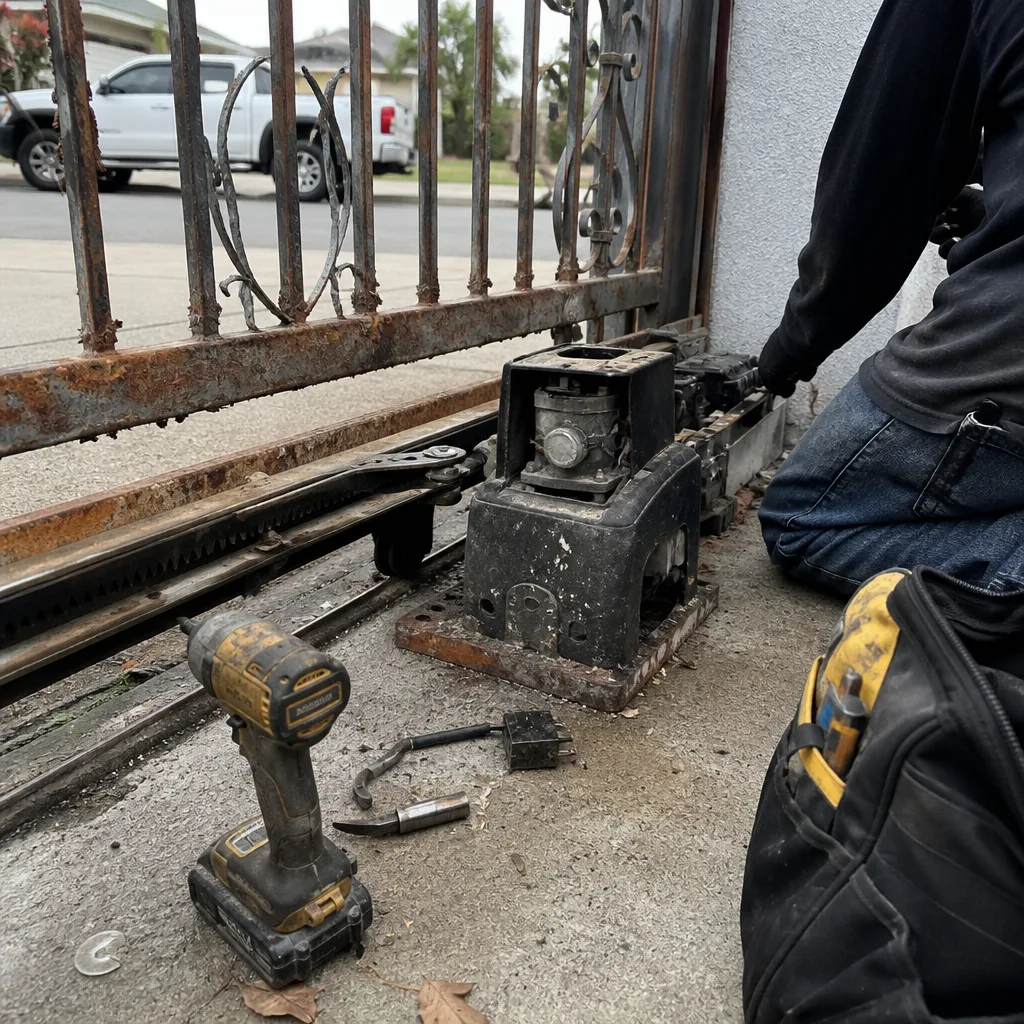 Before
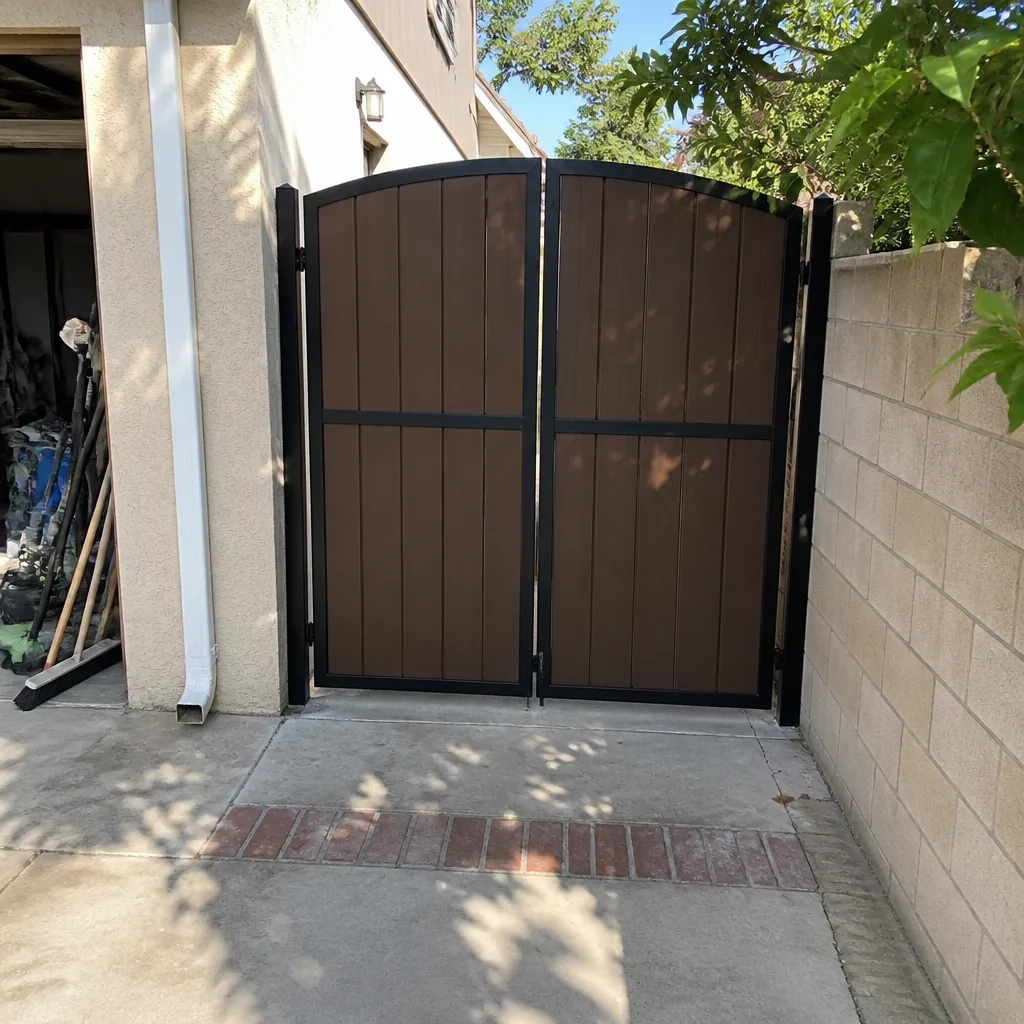
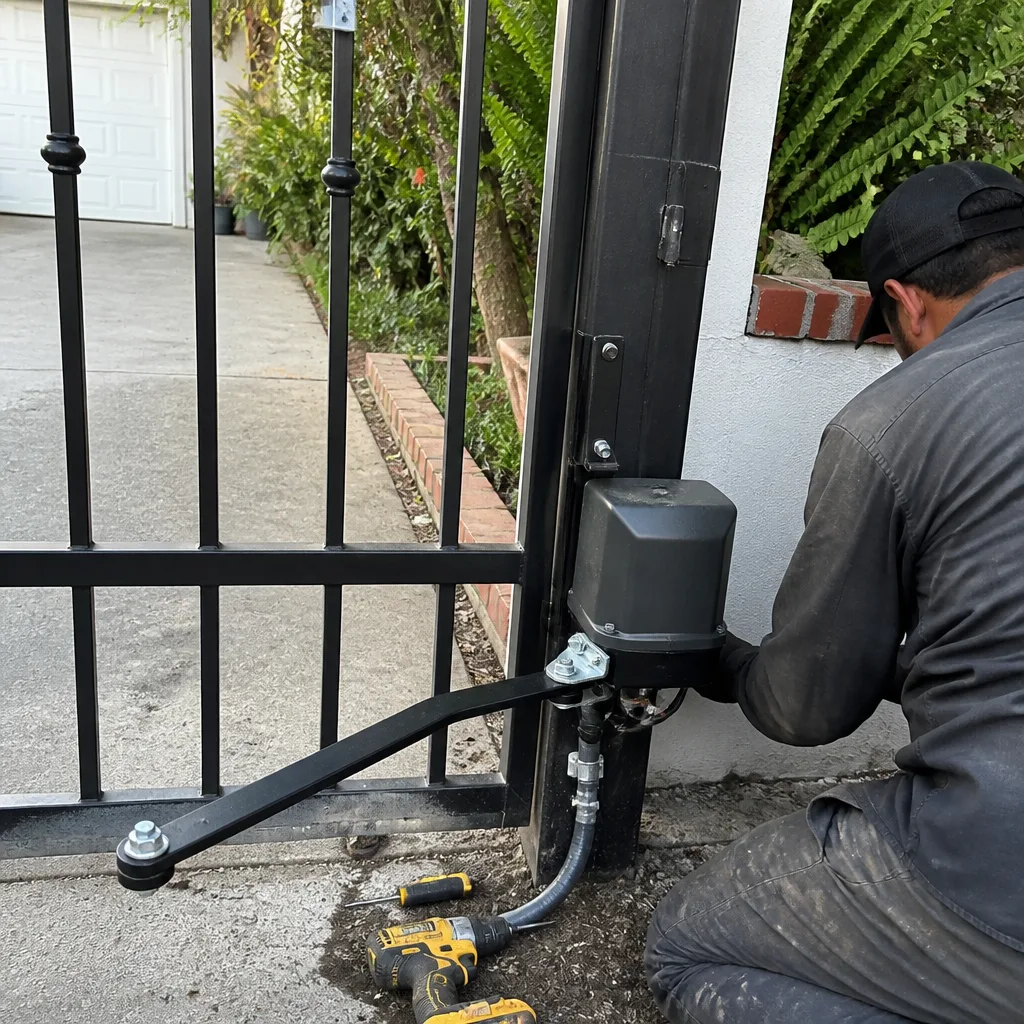 After
After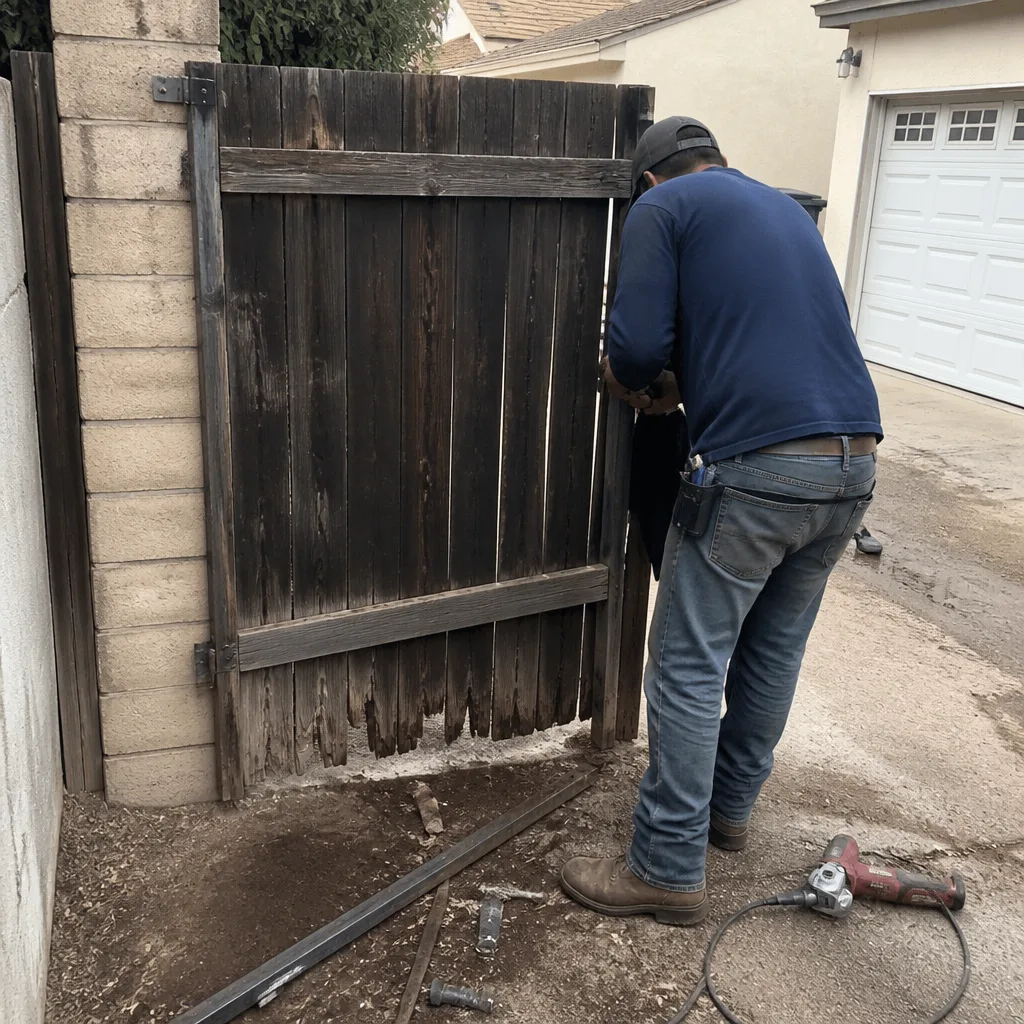 Before
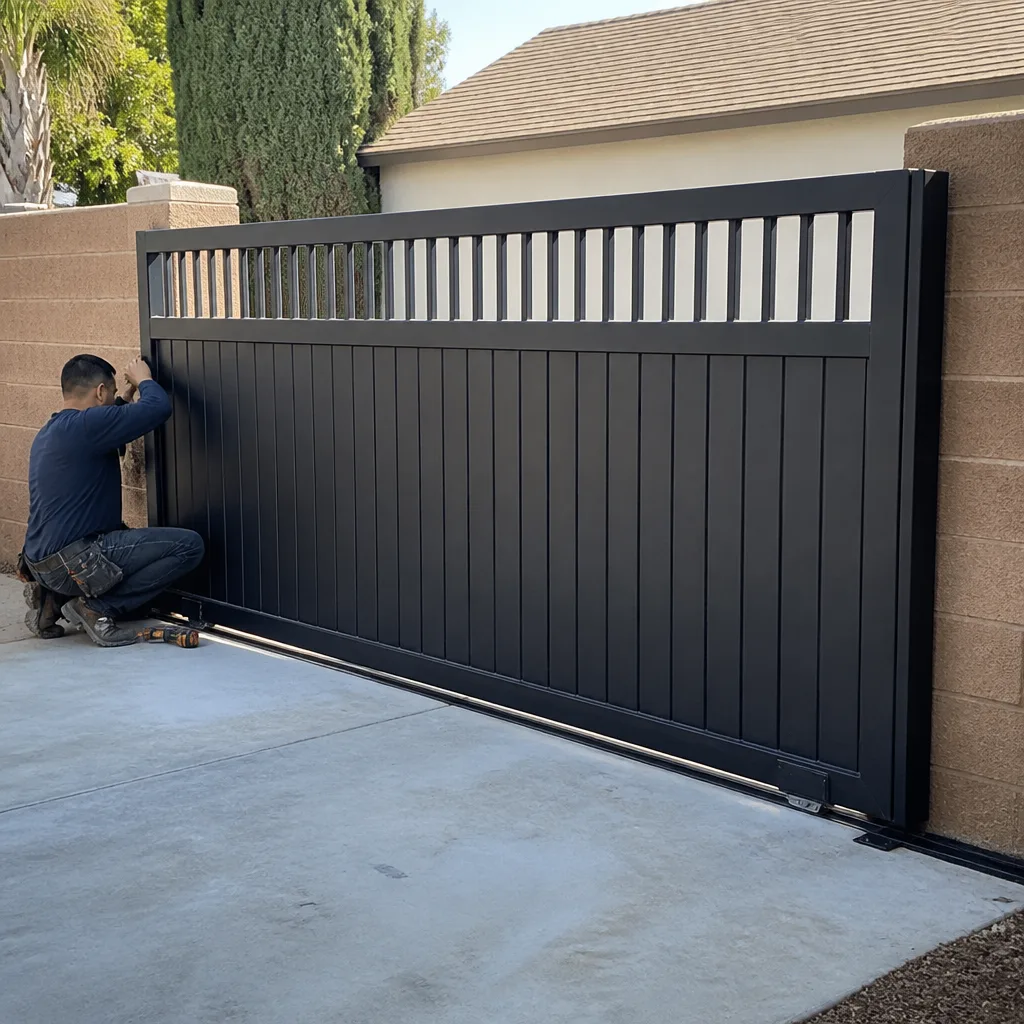 After
After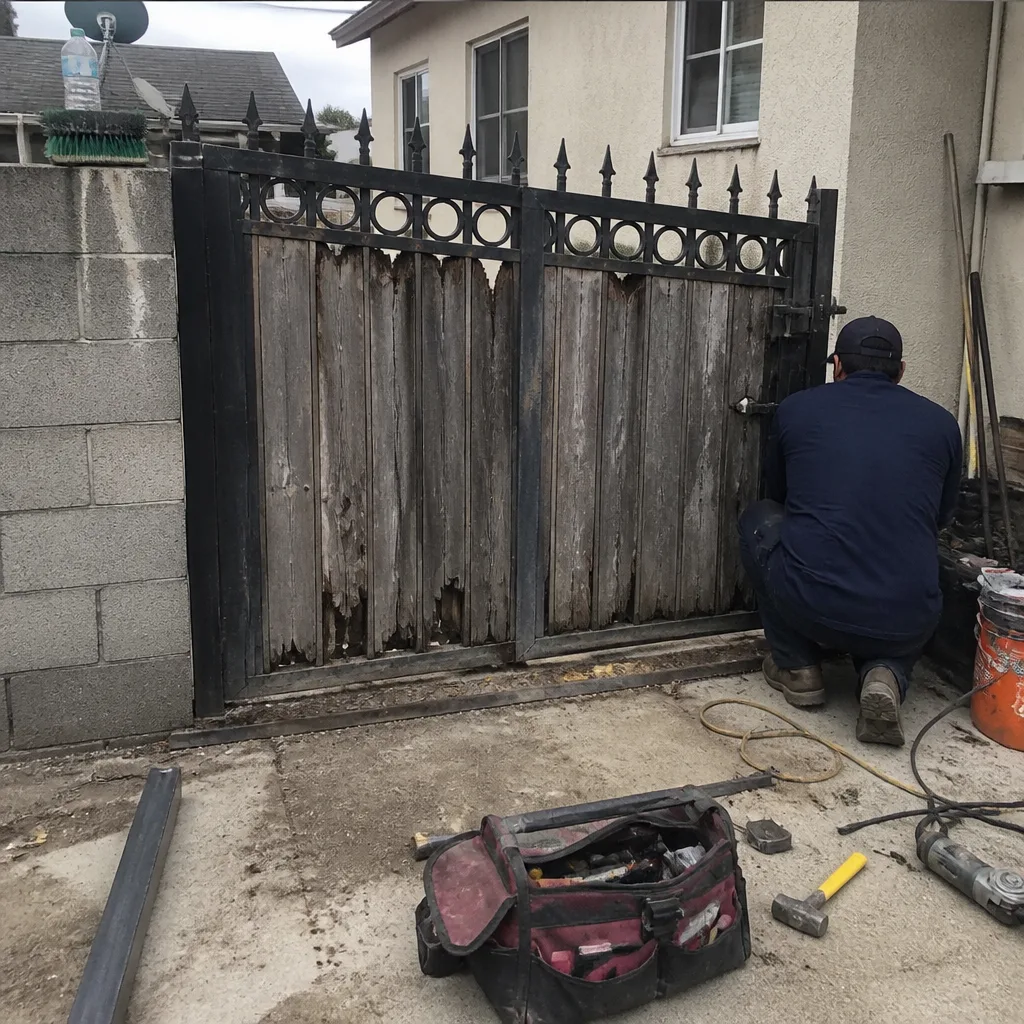 Before
 After
After